
MODELPORT FEATURES
Review | Edit | Optimize | Import | Manage

“Modelport has been a wonderful resource enabling us to bring a much higher level of realism to our Archicad models, which goes hand in hand with the enhanced level of visualization from tools such as BIMx.”
– Roderick Anderson, CEO & Design Director, Sarco Architects
IMPORT & REVIEW
Access more imports & review 90% faster

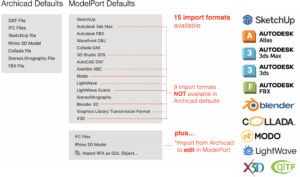 Expand import formats
ModelPort gives Archicad users greater access to manufacturer and third party models with 15 format options including SKP, OBJ, FBX, MODO, X3D, Blender and more!
You can also use ModelPort to edit and manage Revit, Rhino and IFC files using our "Import from Archicad" feature.
For formats not supported by ModelPort, such as RFA, IFC and Rhino, you can use “Import from Archicad”.
First import using Archicad’s built-in import options, place and select the Object then choose "Import from Archicad" in the ModelPort menu.


 Batch import
If you regularly download objects from third party websites or manufacturers this feature allows you to quickly import multiple files at one time. It's simple, select the files and use Batch Import to reduce time importing multiple models.
IMPROVE GRAPHICS
Clean-up 2D symbols & 3D model
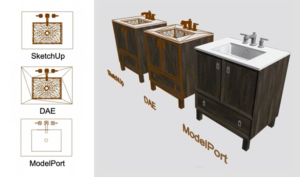 Reduce messy graphics
When a model with curved surfaces is imported to Archicad it will often create messy 2D symbols and 3D graphics.
Imports using ModelPort will automatically clean up both the symbols in plan as well as the graphics in 3D model elements.
INTERACTIVE EDITING
Quickly edit imported models


OPTIMIZE PERFORMANCE
Improve workability of 3D imports
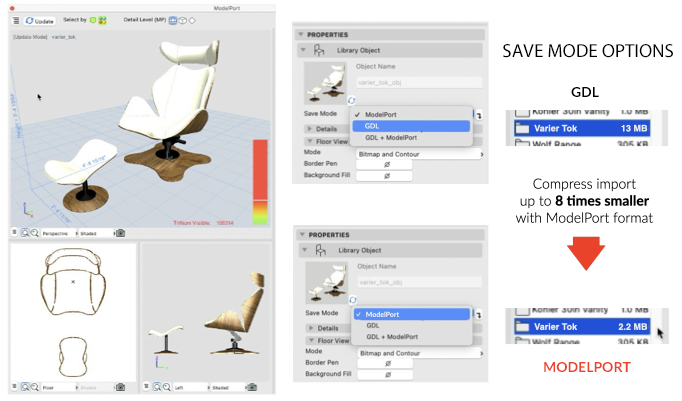 Reduce model file size


DETAILS & LIGHT
Manage detail and add light
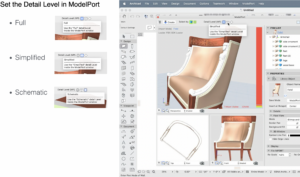 Levels of detail
ModelPort offers three levels of detail that can be linked to imported elements which are Full, Simplified and Schematic.
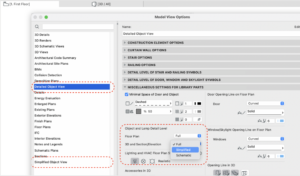 Connect detail to MVO
- Point Light
- Directional Light
- Spot Light
- General Light


NEW FEATURES
Key benefits of ModelPort 4.8
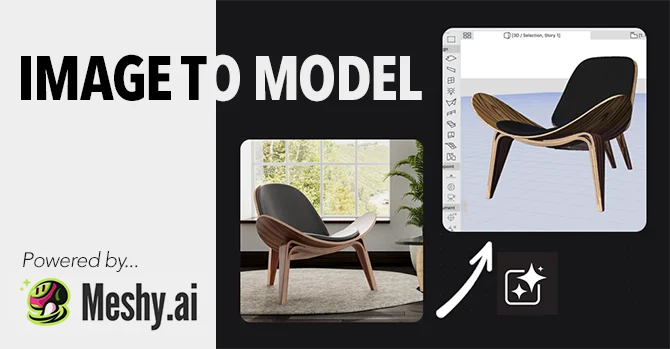 AI Integration
- Convert an image into a 3D model
- Turn sketches into interior assets
- Manage polygon count to optimize model performance
- Edit the AI generated texture
- Create a Studio or Pro account on Meshy
- Create an API key & copy to ModelPort
- In ModelPort type a text prompt, import an image or copy the image URL
- Click generate
- Edit the model & place in Archicad
Review AI integration documentation >>
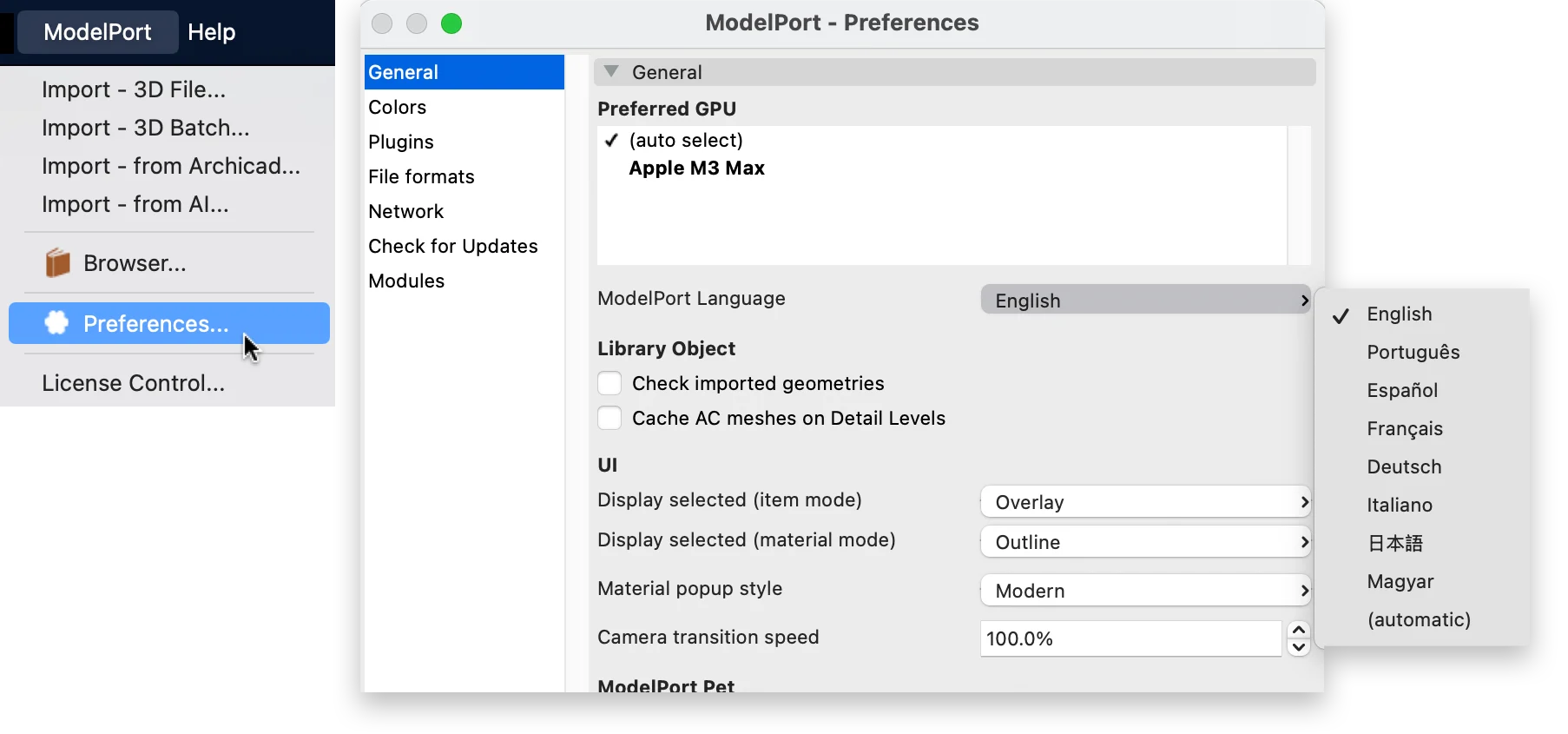 Localization
- Improved: If ModelPort is unable to create or update the library part in the specified folder due to Teamwork restrictions, an error message will indicate the issue.
- Fixed: In Teamwork mode, adding or linking a new library folder causes Archicad to convert the cloud‑based library folders into local folders.

New Support for GLB format
A GLB file is the binary file format for glTF (Graphics Language Transmission Format) 3D models. Often called the "JPEG of 3D," it packs 3D scenes—including geometry, textures, materials, and animations—into a single, compact binary file. Its main advantages are fast loading, smaller file sizes, and efficient rendering for web-based AR/VR and 3D product viewing.
Updated SketchUp Importer
The new ModelPort version can now import the most recent version which is SketchUp 2026 which improves performance, AI integration and enhanced materials for better visualization.
- Watch the webinar recording at this link >>
- Review the complete list of new features, improvements and updates at this link >>
FLEXIBLE LICENSING
Work at home, office and with teams
 Workflow Options
The move to hybrid work has influenced the technology industry's migration towards cloud licensing.
With this latest release of ModelPort we're introducing two cloud license options, the Switch License and Floating License.
 Standard License
This option has been available the past several years and works well for an individual with one computer who does not need the flexibility of moving the license.
 Switch License
If you work from home and have a second computer at your office or have both a desktop and a laptop this license provides the flexibility to easily switch between two computers.
 Floating License
For offices with different locations or team members who want to share licenses this provides the flexibility to transfer licenses between different users and computers.
 Viewer License
If you're a principal who wants to review a project or a consultant who is referencing a model this license allows content to be viewed without a subscription.