
Improve Your Archicad Workflow with Add-Ons, Legends, and Design Options
Boosting productivity in Archicad isn’t only about working faster—it’s about smarter Archicad workflows that minimize repetitive tasks and make projects easier to coordinate. In a recent LearnVirtual User Group session, architect and Archicad consultant Geoff Briggs demonstrated practical ways to streamline day-to-day work using add-ons, legends, and Design Options.
Expand Archicad’s Capabilities with Add-Ons
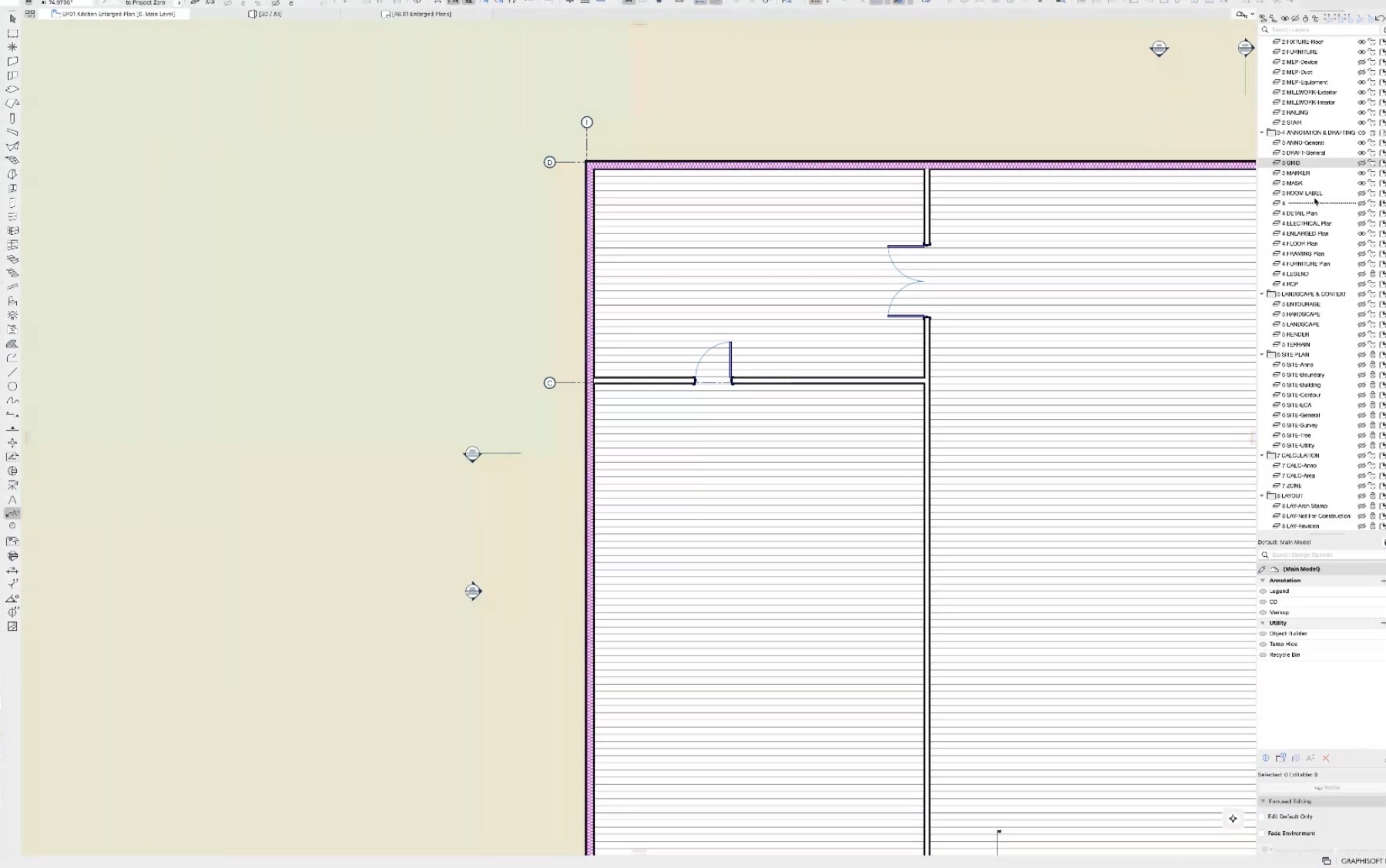
One of Archicad’s greatest strengths is its ability to be extended with add-ons that improve everyday workflows. Geoff showcased several useful tools designed to simplify common tasks, including a Grid Label tool that automatically keeps enlarged plans coordinated, a Layer Palette that provides quick layer control without opening the Layer Settings dialog, and utilities for cleaning up polygons and monitoring project attributes.
While each tool serves a specific purpose, together they can significantly reduce the time spent on routine project management.
Maintain a Cleaner, More Organized BIM Model
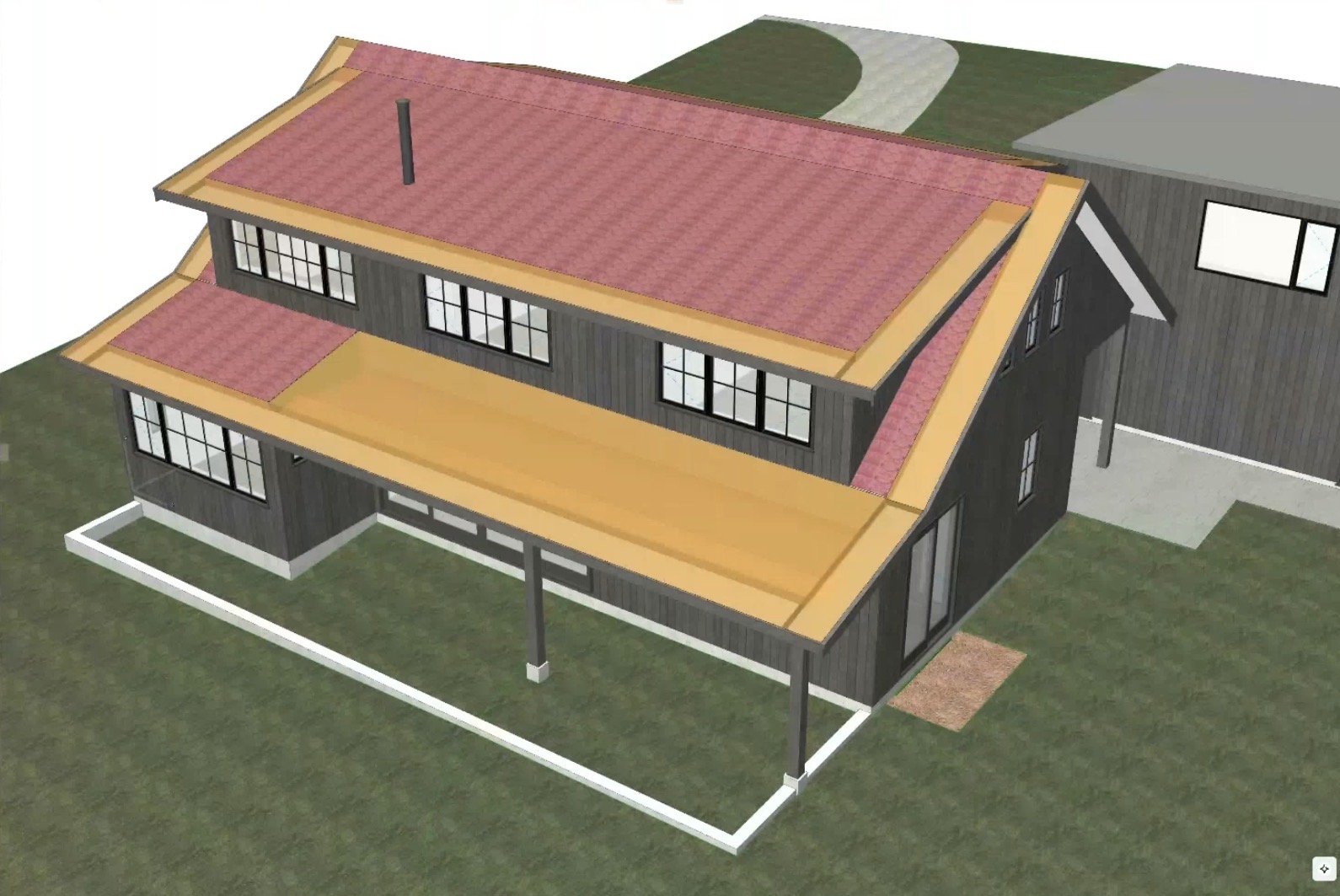
Keeping a BIM model organized becomes increasingly important as projects grow in size and complexity. Geoff highlighted tools such as Attribute Monitor, which helps identify unnecessary attributes before they accumulate, as well as utilities that track Solid Element Operations to improve model management and simplify troubleshooting.
He also encouraged users to personalize their Archicad environment with custom keyboard shortcuts and workspace palettes. Small interface improvements like these can eliminate extra clicks and create a smoother, more efficient workflow.
Get More Value from Design Options
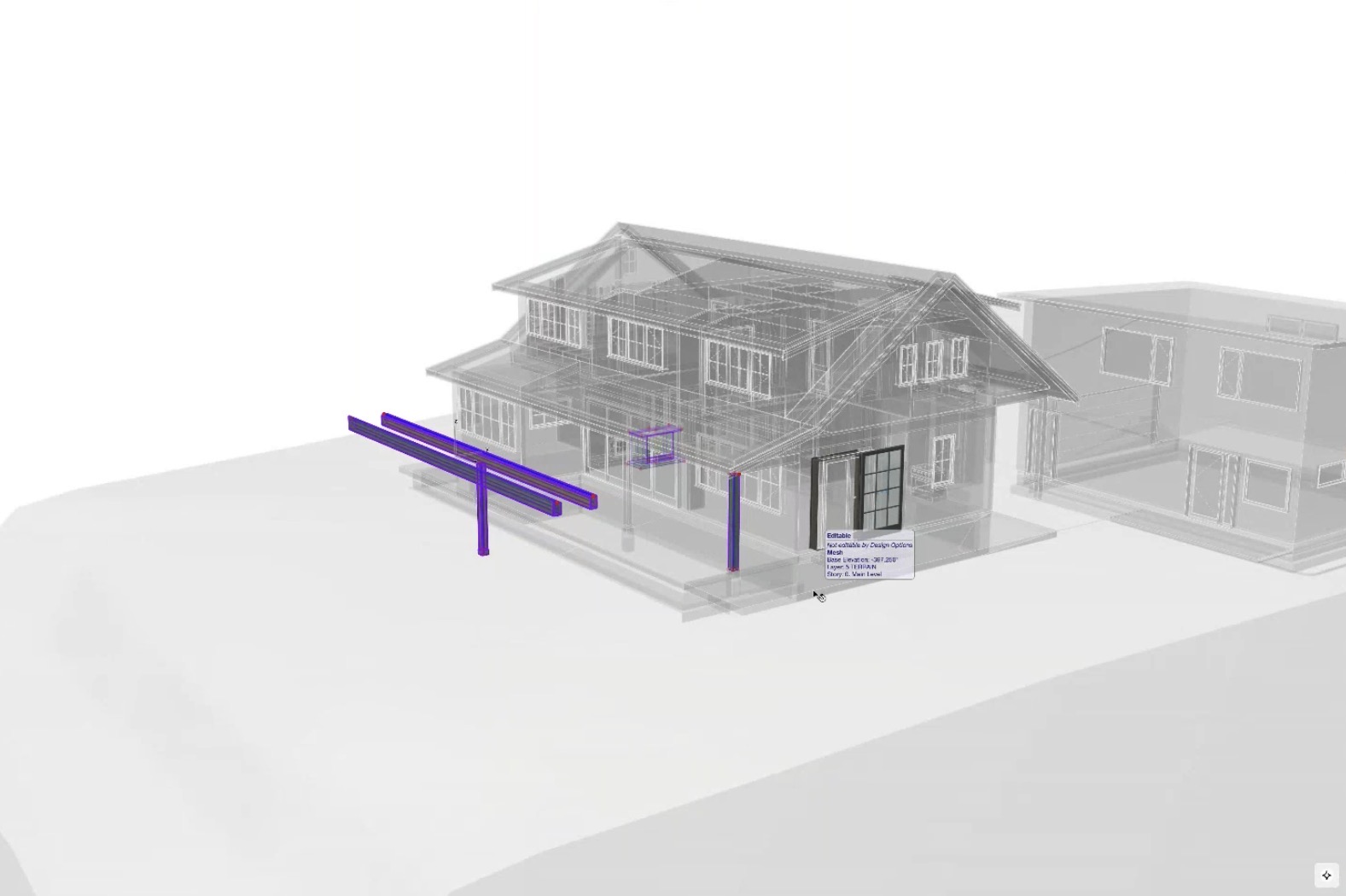
Although Design Options are often associated with evaluating design alternatives, Geoff demonstrated several additional ways they can improve project documentation and organization.
A standout example was using Design Options to build project legends instead of relying on separate layers. This approach keeps legend elements on their original layers, prevents them from appearing in schedules, and removes the need to create extra layer combinations.
Additional uses for Design Options included:
-
Creating reusable workspaces for building objects.
-
Maintaining a project “Recycle Bin” for removed elements.
-
Keeping future construction documentation hidden until it’s ready to be published.
These strategies help maintain a well-organized project while reducing coordination challenges throughout the design process.
Simple Workflow Improvements That Deliver Big Results
A key lesson from the session is that meaningful productivity gains often come from small workflow improvements rather than major process changes. By incorporating useful add-ons, maintaining a cleaner project structure, and using Design Options more strategically, Archicad users can reduce manual effort, improve collaboration, and work more efficiently on every project.
🎥 Watch the Full Video

This recap only scratches the surface. The full recording includes live demonstrations, real project workflows, and audience Q&A that bring these techniques to life.
To see demonstrations, examples, and full explanations, join the LearnVirtual User Group Plus Community or log in to your LearnVirtual account. User Group recordings are available to User Group Plus, Basic, and Premium LearnVirtual members.